What Does Service Brake Pad Monitor Mean on GMC Sierra?
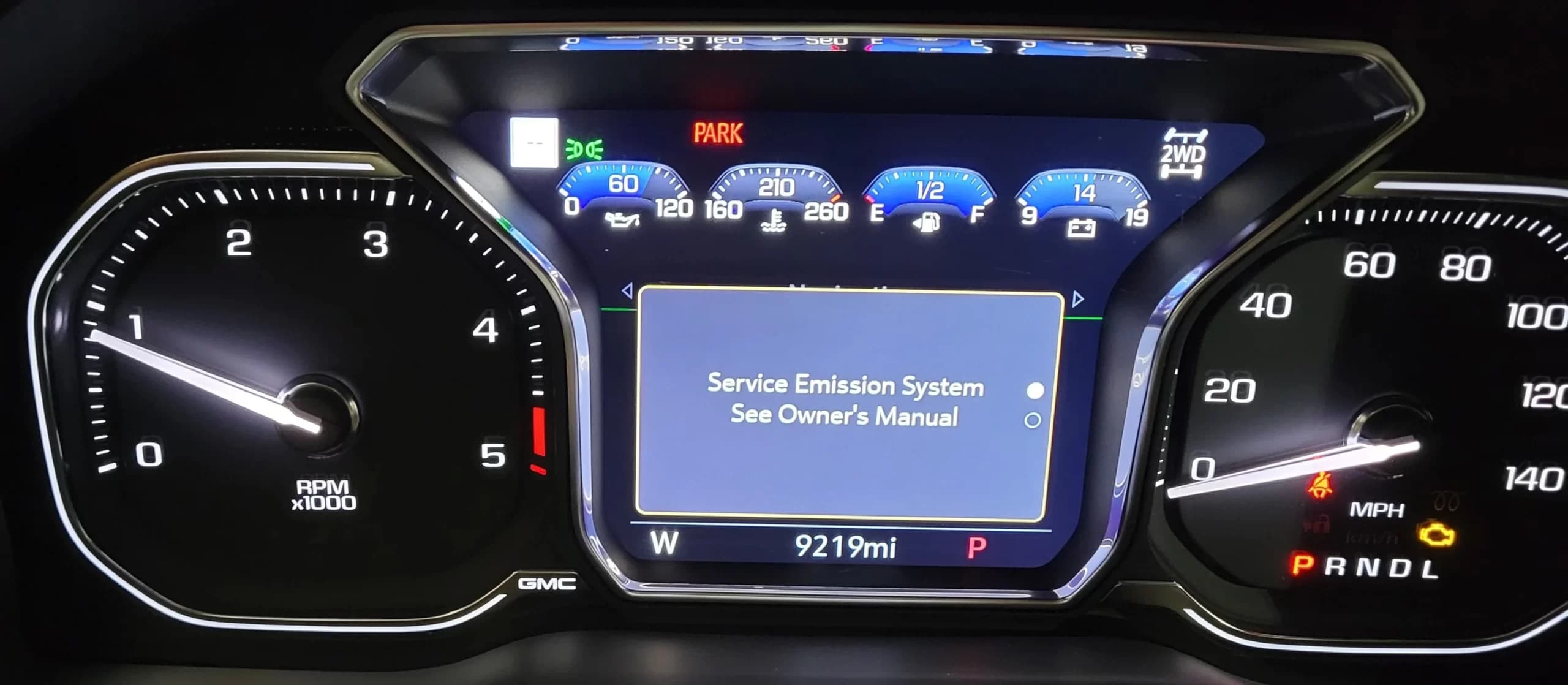
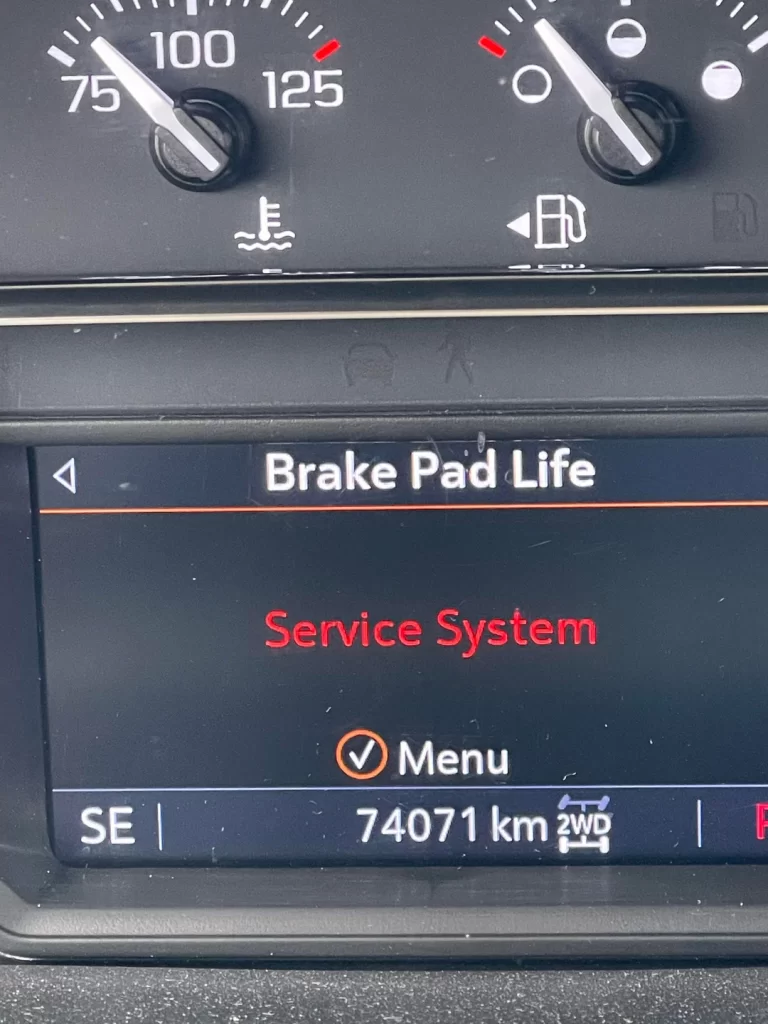
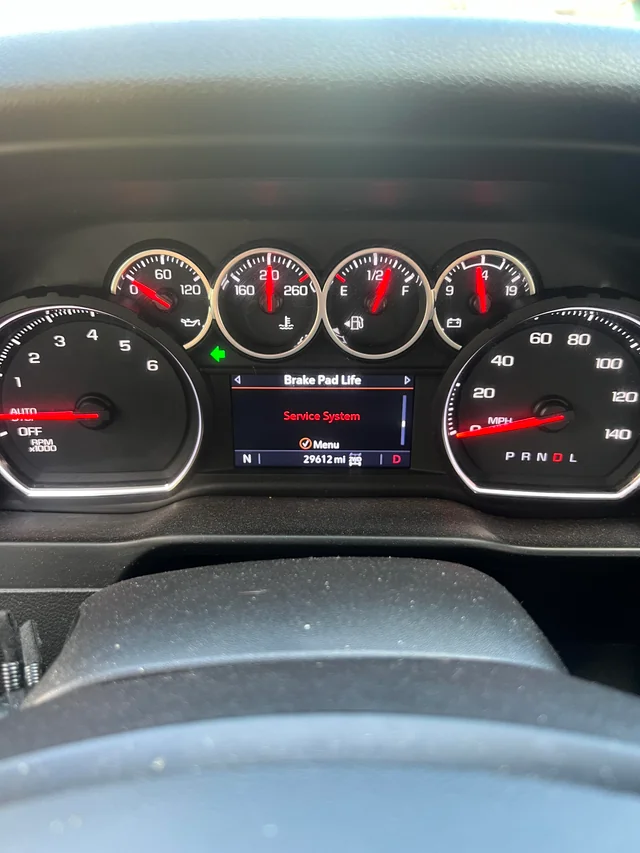
A "Service Brake Pad Monitor" message on a 2019 or newer GMC Sierra means the truck's Brake System Control Module has found a problem with the brake pad monitoring system itself, such as an unplugged or damaged wear sensor or a mismatch between the calculated pad life and what the sensors report. It is not the normal "pads are due" reminder, which shows pad life or miles remaining. The brakes themselves still work, but the pad-life reading can't be trusted until the fault is fixed, so check the pads and the wear sensors soon.
If you've already fixed the cause and just need to clear the display, go to the 2020 GMC Sierra service brake pad monitor reset guide.
How the Sierra's Brake Pad Monitor Works
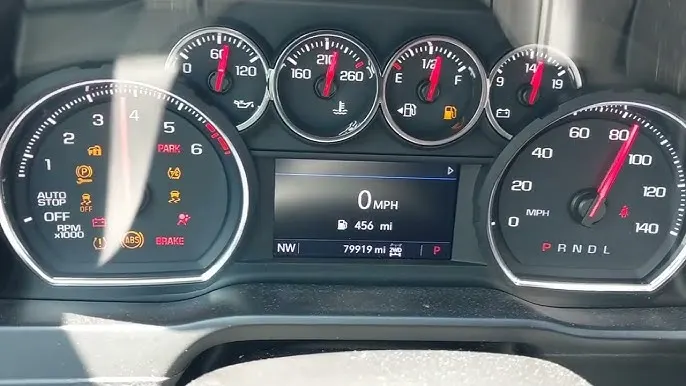
The Brake Pad Life system arrived with the redesigned 2019 Sierra 1500. The 2018 Sierra owner's manual has no Brake Pad Life section, while the 2020 owner's manual does. If your Driver Information Center (DIC) has no Brake Pad Life page, your truck doesn't have this system.
GM describes how it works in Preliminary Information PIT5695B, filed with NHTSA:
- The module calculates remaining pad life as a percentage using an algorithm.
- There is one wear sensor per axle: one on the left front pad and one on the left rear pad.
- Each sensor has three internal circuits that break one after another as the pad wears down. When the first circuit opens, the module speeds up, slows down or keeps its wear estimate to match what the sensor reports.
That design explains the monitor warning. If the software's estimate and the sensor readings disagree too much, or the module can't read a sensor properly, it flags the system instead of showing a pad-life number it can't trust. GMC's support page sums up the normal behavior: the software estimates wear, uses sensors to refine its estimate as it learns your driving habits, and has to be reset whenever the pads are replaced.
Brake Pad Messages and What They Mean
| What you see | What it means | What to do |
|---|---|---|
| Brake Pad Life shown as a percentage for each axle | Normal estimate of remaining pad life | Nothing. Check it now and then. |
| Message showing estimated miles remaining | The system has determined pads need replacing soon (per the owner's manual) | Plan a pad replacement for that axle, then reset the monitor |
| Service Brake Pad Monitor | The module has detected a fault or mismatch in the monitoring system | Inspect pads, sensors and wiring; read brake-module codes |
| Pad life shown as invalid | The module sees a supply-voltage fault in the sensor circuit (per Brake & Front End's T1XX service overview) | Check the sensor connector and wiring |
| High-pitched squeal while driving that goes away under firm braking | The pads' mechanical wear indicator is touching the rotor | Replace the pads soon; the owner's manual treats this as a warning |
| Red BRAKE warning light | A separate warning, usually brake fluid or parking brake related | See why a Sierra brake warning light won't turn off |
Common Causes of the Service Brake Pad Monitor Message
A wear sensor was unplugged, damaged or misrouted
If the message showed up right after a brake job, start here. The sensors plug into a harness at the left front and left rear, and the wire has to be routed exactly as it came from the factory so it can't rub the rotor or wheel. A connector left unplugged, a pinched wire or a sensor that wasn't moved to the new pad will set the warning. For how these sensors work in general, see GMC brake pad wear sensors.
A sensor has worn through, or the pads are low
If the pads really are worn, a sensor circuit will have opened. Replace the pads as an axle set, replace the wear sensor if it has touched the rotor, then reset the monitor.
Aftermarket pads without wear sensors
Some aftermarket pads don't work with the factory sensor. The 2020 owner's manual says the Brake Pad Life system can be turned off in the DIC in that case. The pads' built-in audible wear indicators still work when it's off.
A software problem on early 2019 trucks
GM's PIT5695B covers early-build 2019 Sierra 1500s whose pad-life percentage dropped faster than the pads actually wore. On those trucks a "Service Brake Pad" message could appear with codes C116B and/or C116C. GM traced it to a software anomaly and told dealers to reprogram the Brake System Control Module rather than replace it. For those trucks with more than 6,000 miles, the bulletin tells dealers to inspect the pads and replace them only if less than 9 mm of material remains.
Rear pads that really did wear out early
On 2019-2025 Sierra 1500s, GM's Service Bulletin 21-NA-089 describes rear pads wearing out prematurely because mud or debris packs into the rear calipers and holds the pads against the rotors. If your rear pad life drops much faster than the front, that bulletin is worth reading.
What to Do When the Message Appears
- Pay attention to how the truck brakes. A soft or sinking pedal, grinding, pulling or a red BRAKE light is a different and more urgent problem. Have the brakes inspected before driving further.
- Check pad thickness on both axles. GM's quick-reference data, as published by Brake & Front End, lists 2.0 mm as the minimum for front and rear pads.
- Check the wear sensors at the left front and left rear: connector fully seated, wire intact and routed away from the rotor.
- Read the brake-module codes with a scan tool that can access the Brake System Control Module. Codes point to which sensor or circuit is at fault.
- Fix the cause, clear the codes, then reset Brake Pad Life for the axle you worked on. The steps are in the reset guide.
If the pads need replacing, how to change brakes on a 2020 GMC Sierra walks through the full job, including the rear electric parking brake.
Frequently Asked Questions
Is it safe to drive with the Service Brake Pad Monitor message on?
The message is about the pad-life monitoring system, not the hydraulic brakes, so the truck still stops. The risk is that you've lost your pad-wear warning. Check the pads soon, and don't keep driving if you also have grinding, a soft pedal or a red BRAKE light.
Why did the message come on right after I changed my brake pads?
Usually a wear sensor wasn't reconnected, was damaged or wasn't moved to the new pad, or the monitor hasn't been reset. Check both sensor connectors, clear any stored brake codes, then reset Brake Pad Life for the axle you serviced.
Will resetting the brake pad life clear the Service Brake Pad Monitor message?
Not if the fault is still there. A reset only restarts the pad-life estimate. If a sensor is unplugged or damaged, or a code is still stored, the warning will come back until the cause is fixed.
Which GMC Sierras have the brake pad monitor?
The Brake Pad Life system appears in the Sierra 1500 starting with the redesigned 2019 model. The 2018 Sierra owner's manual doesn't include it. If your DIC shows a Brake Pad Life page, your truck has it.
Does the brake pad monitor measure pad thickness directly?
No. It's an estimate. The module calculates wear with an algorithm and uses one wear sensor per axle to correct that estimate at set wear points. That's why GM's owner's manual says to inspect the brake pads whenever the tires are rotated.
Safety note: This guide is for general informational purposes. Brake systems are safety-critical — if you're unsure at any step, or the work requires specialized tools, have it inspected or completed by a qualified technician.
Related Guides
 Sierra
GMC Sierra 1500 vs 2500 Brake Pad Differences
GMC Sierra 1500 and 2500 brake pads are not interchangeable. The heavy-duty 2500 typically uses larger rotors and calipers sized for its higher GVWR.
 Sierra
The Best Brake Pads for 2018 GMC Sierra 1500 Trucks
Choose the best brake pads for a 2018 GMC Sierra 1500 by material, towing needs, noise and dust. Compare Duralast Gold, ACDelco and Power Stop Z36.
 Sierra
The Best Brake Pads For 2015 GMC Sierra 1500
Compare semi-metallic, ceramic and organic brake pads for the 2015 GMC Sierra 1500 and see top picks from ACDelco, Bosch, Wagner, Akebono and Power Stop.
 Sierra
2018 GMC Sierra 1500 Brake Caliper Torque Specs
Front and rear caliper bracket bolt, guide pin bolt and wheel nut torque for the 2018 GMC Sierra 1500, by brake code (JD9 or J95/J96).
 GMC Brakes
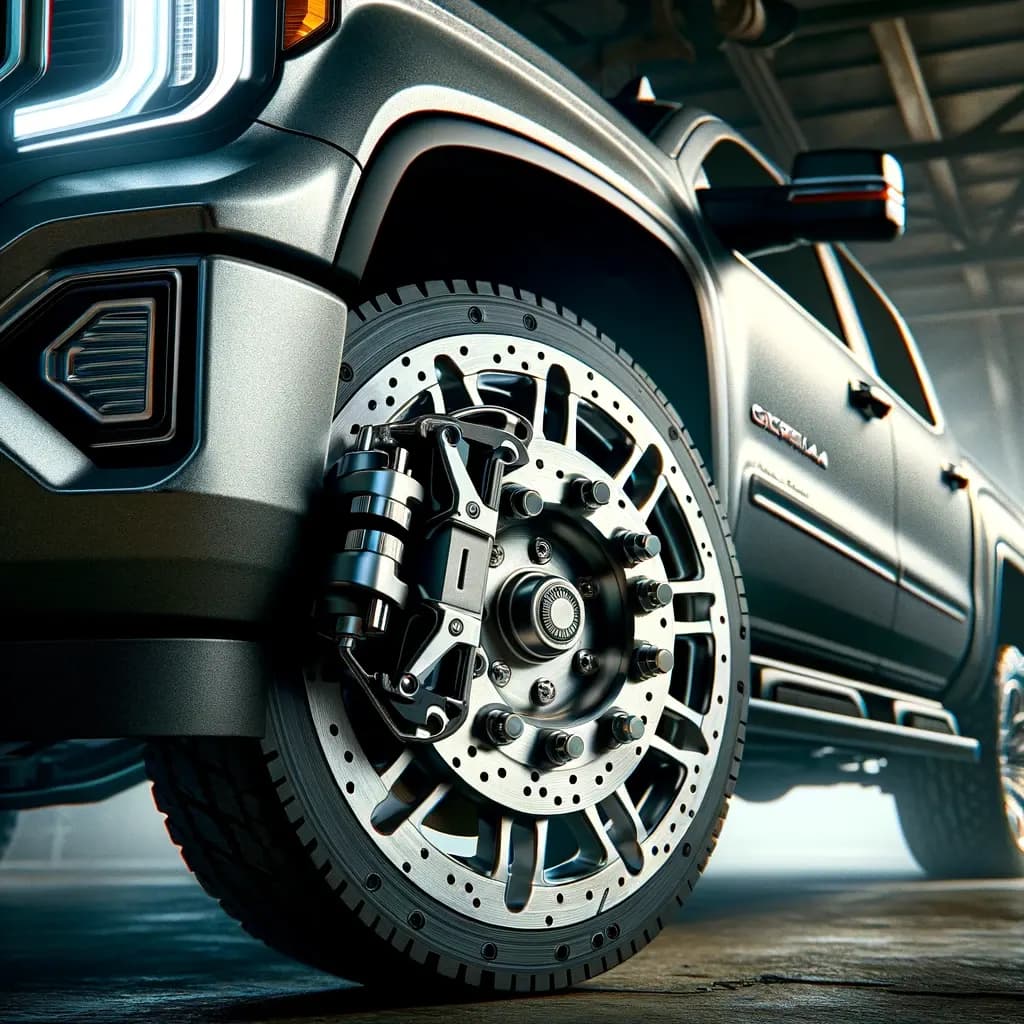
GMC Sierra 1500 Brake Rotors
Explore essential info on GMC Sierra 1500 Brake Rotors: types, maintenance tips, and choosing the right rotors for safety and performance.
 Sierra
GMC Sierra Trailer Brake Gain Settings — 1500 vs 2500
GMC Sierra trailer brake gain is set with GM's 20-25 mph lever test, not a chart. Here's how, and why a 2500 often runs higher gain than a 1500.
More in Brake Pads, Rotors & Calipers
- GMC Brake Calipers: When to Replace and How to Maintain
- Best Brake Pads for GMC Trucks: Types and Brands Compared
- GMC Brake Pad Thickness Chart — When to Replace
- How to Bed In New Brake Pads and Rotors on a GMC
- Best Brake Rotors for the GMC Acadia — Buyer's Guide
- GMC Canyon Brake Caliper Replacement Cost & Guide
- Brake Caliper Torque Specs For 2007 GMC Yukon
- 2003 GMC Yukon Brake Caliper Bolt Size
- 2022 GMC Savana 3500 Brake Kit, Rotors, and Pads
- GMC Brake Pad Wear Sensors
- GMC Acadia Brake Pads
- GMC Brake Rotor Retaining Screws