Rear Disc Brake Conversion for GMC Sierra 1500 (2005-2013)
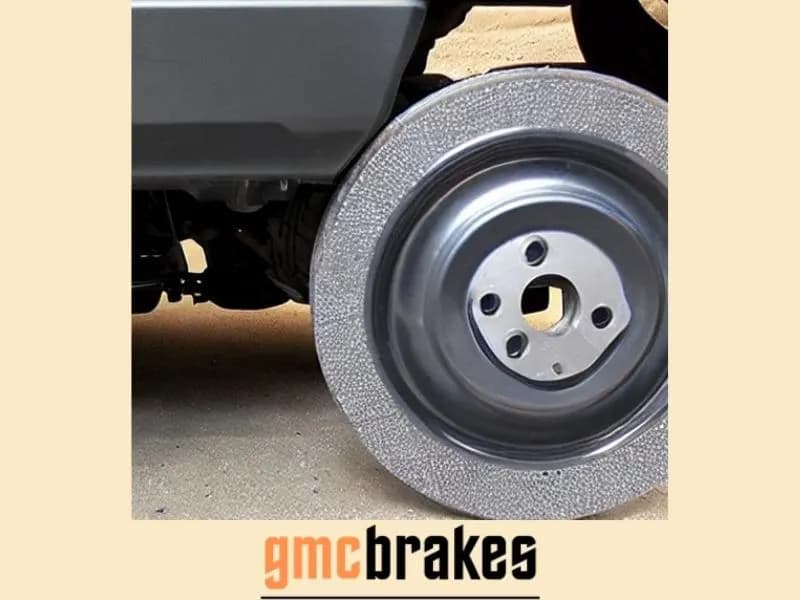
A rear disc conversion on a 2005-2013 GMC Sierra 1500 is usually done with a bolt-on kit that replaces the factory drums with brackets, calipers, and rotors on the stock axle, typically without welding. The work is manageable for an experienced DIYer, but the kit has to match your exact body style, axle flange, wheel size, and parking brake setup. Fastener torque values come from that kit's instructions, not from a generic chart.
Does Your Sierra Have Rear Drums?
Check this before you shop. GM changed the Sierra 1500's rear brakes during the GMT800 run, and 2007 has two different trucks:
| Truck | Body | Rear brakes on 1500 models |
|---|---|---|
| 1999-2004 Sierra 1500 | GMT800 | Four-wheel disc on many trucks, so check before assuming you need a conversion |
| 2005-2006 Sierra 1500 and 2007 Sierra 1500 Classic | GMT800 | Rear drums, except Hybrid and Denali models |
| 2007-2013 Sierra 1500 (new body) | GMT900 | Rear drums on most trucks; some 6.2L and heavy-towing configurations have rear discs |
In the 2005 model year, all 1500-series GMT800 pickups except the Hybrid and Denali switched from four-wheel disc to front disc/rear drum. The 2007 trucks built on the old body were sold as "Classic" to separate them from the new GMT900, which went on sale in late 2006 as a 2007 model (Wikipedia, Silverado first generation; Wikipedia, Silverado second generation).
So a 2006 Sierra 1500 or a 2007 Classic with rear drums is a GMT800, and a new-body 2007 is a GMT900. Kit makers often list a wide year range such as 2005-2014, but tell the seller which body you have and measure the axle anyway. The quickest confirmation is to look behind a rear wheel: a drum is a closed cast-iron can on a backing plate, and a disc setup shows a rotor and caliper.
If you'd rather keep the drums and just service them, see changing rear drum brakes on a 2007-2013 Sierra.
What a Conversion Does and Doesn't Change
Rear discs are easier to inspect, since pad thickness is visible without pulling a drum. They also shed water and heat more readily and don't need the star-wheel adjustment drums rely on. On a half-ton pickup, though, the front brakes do most of the stopping work. A rear conversion won't turn the truck into a different machine, and any kit maker's percentage claim about stopping power is the manufacturer's own marketing, not an independent test.
Keep the rest of the system in mind:
- Brake balance. The factory hydraulic and ABS system on a drum truck was designed with drums at the rear. Well-engineered kits are sized for the truck, but a mismatched kit or aggressive pads can shift front-to-rear balance. After the install, test stops carefully in a safe area.
- Pedal feel. A conversion won't fix a soft pedal caused by air, a weak booster, or a failing master cylinder. Sort those out first with our soft brake pedal troubleshooting guide.
- Cost. Complete bolt-on kits run from roughly $500 to over $1,800 at list price (the two kits cited below span that range), before labor. Prices change and vary by seller.
Choosing a Kit: What to Verify
Fitment by body style and axle
Kits for these trucks bolt to the factory drum-brake axle flange. For example, Little Shop Manufacturing lists its kit for 2002-2018 Silverado/Sierra 1500 "6-lug trucks with the stock drum axle" and asks buyers to verify the flange dimensions (Little Shop Mfg). SSBC lists its Sport R1 rear kit for "select 2005-2014 Chevrolet/GMC 1500 2WD and 4WD rear applications" (SSBC-USA). "Select" is the key word. Confirm with the seller using your VIN, axle, and body style.
Wheel clearance
Larger rotors and calipers need room inside the wheel. SSBC's listing says its kit fits many 15-inch wheels "when clearance is confirmed." If you run small or aftermarket wheels, get the kit's clearance template or measurements and check them against your wheel before ordering. Don't grind or modify wheels to make a kit fit.
Parking brake
On drum trucks the rear shoes also work as the parking brake, so removing the drums removes your parking brake unless the kit replaces it. This is where kits differ most:
- Some kits use calipers with a built-in mechanical parking brake. The SSBC Sport R1 kit lists single-piston billet calipers with built-in parking brakes plus parking brake cable adapters.
- Some caliper options have none. Little Shop's listing states plainly that its Wilwood caliper option is "NOT parking brake capable."
A truck without a working parking brake isn't something to drive or park on a grade, and it may fail state inspection. Choose a kit whose parking brake connects to your factory cable, and adjust the cable afterward. For cable adjustment basics, see our parking brake guide.
What's in the box
Compare the parts lists. A complete kit typically includes brackets, calipers, rotors, pads, flex hoses, hardware, and on some kits hard lines, axle shims, and spacers. Missing pieces such as brake lines or parking brake adapters mean extra trips and improvised parts, which you don't want on a brake system.
Installation Overview
This is a summary of the typical order of work, not a substitute for the kit's instructions. Every kit's steps, bracket orientation, and fastener torques differ.
- Prepare. Chock the front wheels, raise the rear on jack stands, and remove the wheels. Release the parking brake.
- Remove the drum brake assembly. Pull the drums, shoes, springs, adjusters, and wheel cylinders. Disconnect the parking brake cables from the shoe levers, and disconnect and cap the brake lines at the wheel cylinders.
- Remove the backing plates if the kit requires it. Many bolt-on kits mount their bracket where the backing plate was, using the axle's existing mounting points. Little Shop, for example, states that its kit needs no welding or axle-shaft removal. Follow the kit's instructions on whether and how the axle stays in place.
- Mount brackets, rotors, and calipers. Install any shims or spacers exactly as the instructions show, since they set caliper-to-rotor alignment. Check that the rotor spins true and the pads sit centered on the rotor face.
- Plumb the brakes. Connect the kit's flex hoses and any supplied hard lines. Some installs need a hard line re-bent or re-flared to reach the new hose location. Use proper double or bubble flares and the correct fittings, never compression fittings. See our GMC brake lines guide for more on brake line repair.
- Connect the parking brake. Attach the factory cables through the kit's adapters and adjust them per the instructions.
- Torque everything to the kit's specification. Aftermarket brackets and bolts don't necessarily share GM's factory torque values, so use the kit's spec sheet for every caliper, bracket, and banjo bolt. Torque the lug nuts to your owner's manual value.
- Bleed the brakes. Opening the lines lets air in. Bleed the rear circuit and then the full system as required. See how to bleed GMC Sierra brakes, including the ABS notes.
- Bed the pads and test. Pump the pedal until firm before moving the truck. Then follow the kit's bedding procedure and make gentle test stops before normal driving, towing, or hauling.
If you're not comfortable with brake line work and bleeding, have a brake shop do the install. It's routine work for them, and the kit instructions still apply.
Frequently Asked Questions
Can I put rear disc brakes on a 2006 GMC Sierra 1500?
Yes. Most 2006 Sierra 1500 trucks came with rear drums (Hybrid and Denali models were the exception), and bolt-on conversion kits are sold for that GMT800 body. Confirm fitment with your VIN and axle flange measurements before buying.
Is a 2007 GMC Sierra rear disc kit the same for the Classic and the new body?
Not necessarily. The 2007 Classic is the older GMT800 truck and the new-body 2007 is a GMT900. Some kits cover both, but many are listed by body style or specific years, so tell the seller which one you have.
What torque specs do I use for a rear disc conversion?
Use the values in your kit's instructions. Brackets, bolts, and calipers vary between manufacturers, and GM's factory torque values for drum-brake hardware don't apply to aftermarket conversion parts. Lug nut torque still comes from your owner's manual.
Will I keep my parking brake after converting?
Only if the kit includes one. Some kits use calipers with a built-in parking brake that connects to the factory cables. Others have caliper options with no parking brake at all. Check the listing before you buy.
Do I need to bleed the brakes after a disc conversion?
Yes. Replacing the wheel cylinders and connecting new hoses opens the hydraulic system, so the brakes must be bled before the truck is driven.
Safety note: This guide is for general informational purposes. Brake systems are safety-critical — if you're unsure at any step, or the work requires specialized tools, have it inspected or completed by a qualified technician.
Related Guides
 GMC Brakes
GMC Sierra Suspension: A Smooth Ride for Every Adventure
Get the lowdown on GMC Sierra Suspension: Your ticket to a comfy, controlled drive whether off-road or in the city. Dive in for details!
 GMC Brakes
2023 GMC Sierra Must Have Accessories
Upgrade your truck game with the best 2023 GMC Sierra must have accessories. Click to find out how to enhance style & functionality!
 GMC Brakes
Changing Rear Drum Brakes on a 2007-2013 GMC Sierra 1500
How to replace rear drum brake shoes on a 2007-2013 GMC Sierra 1500, how to confirm your truck has drums, and how to set the self-adjuster correctly.
 GMC Brakes
How to Bleed GMC Sierra Brakes: Sequence and Steps
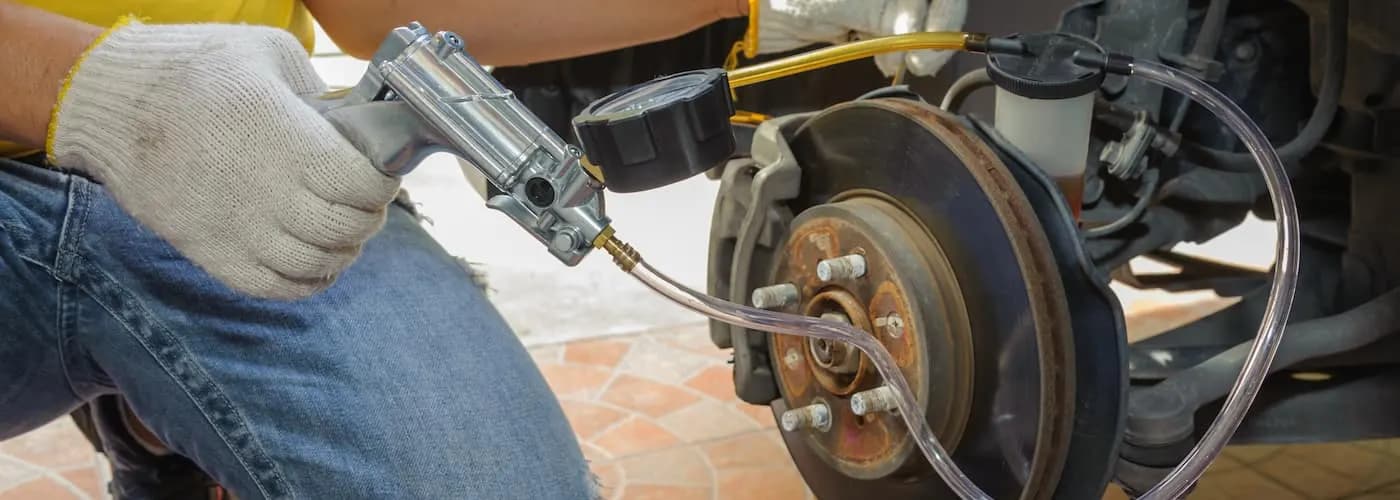
Bleed a GMC Sierra from the right rear to the left front with fresh fluid. See the tools, steps, and when an ABS truck needs a scan tool bleed.
 GMC Brakes
GMC Sierra Third Brake Light Bulbs
Compare third brake light bulb options for the GMC Sierra, including AUXITO and Diode Dynamics LEDs, and why LEDs tend to outlast halogen bulbs.
 GMC Brakes
2004 GMC Sierra Brake Light Bulbs
Find the right brake, turn signal, and side marker bulbs for a 2004 GMC Sierra, and see how halogen and LED replacements compare.
More in GMC Brake Problems
- 2024 GMC Sierra 1500 Brake Controller: Setup and Gain
- 2023 GMC Sierra Electric Parking Brake and Flat Towing
- Top 5 Aftermarket Brake Upgrades for GMC Sierra Trucks
- OEM vs Aftermarket Brake Parts for GMC Sierra
- How to Change Brakes on a 2020 GMC Sierra (Pads and Rotors)
- How to Adjust Parking Brake Cable 1999 GMC Sierra
- GMC Sierra Brake Fluid Types: DOT 3 vs DOT 4 Explained
- 2008 GMC Yukon Brake Light Bulb Size (2007-2014 Chart)
- GMC Envoy Third Brake Light and Moulding (2002-2009)
- GMC Yukon Brake Replacement Cost: Pads, Rotors, Calipers
- How GMC Brake Systems Work: Hydraulics to StabiliTrak
- GMC Brake Maintenance: Intervals, Fluid, Towing, Winter