GMC Automatic Emergency Braking and Pedestrian Braking
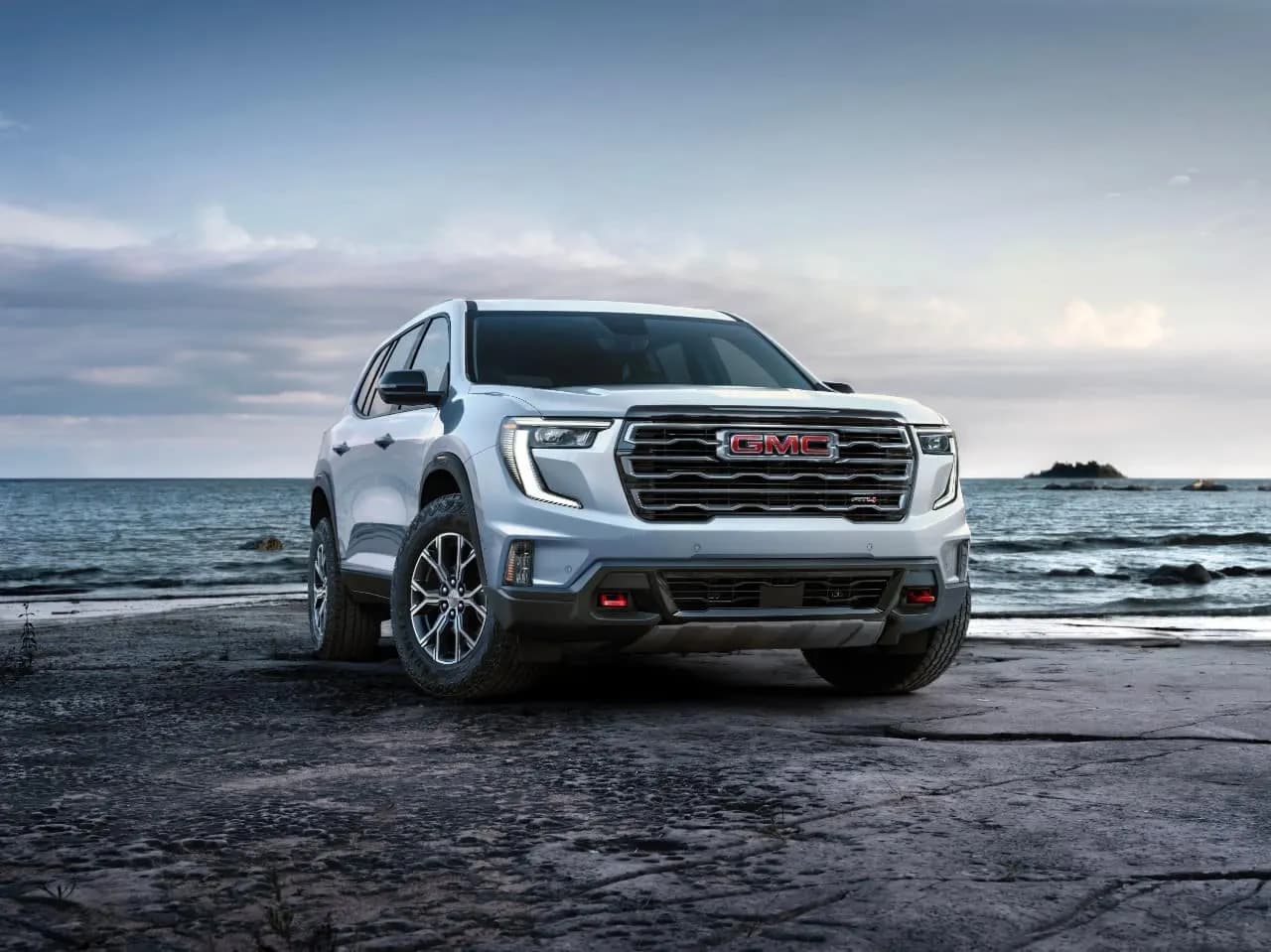
GMC Automatic Emergency Braking (AEB) uses a forward-facing camera to watch the vehicle you're following. If a front-end collision is seconds away and you don't react, it applies hard braking or adds force to your own braking, typically between 5 and 50 mph. Front Pedestrian Braking works the same way for people walking or standing directly ahead, and some models add bicyclist detection. How each feature works depends on your model, year, and trim, so the owner's manual has the final word for your vehicle.
GMC's Automatic Braking Features at a Glance
GMC uses several related names, and they do different jobs. This table summarizes GMC's own descriptions of each feature.
| Feature | What it watches for | Sensors | Operating range (per GMC) |
|---|---|---|---|
| Automatic Emergency Braking (AEB) | A vehicle you're following | Forward camera | 5-50 mph; on some vehicles with advanced forward cameras, above 5 mph up to highway speeds |
| Enhanced Automatic Emergency Braking (EAEB) | A vehicle you're following, detected farther ahead | Camera plus radar | Above 2 mph |
| Front Pedestrian Braking | Pedestrians directly ahead | Forward camera | 5-50 mph; limited at night and in low visibility |
| Front Pedestrian and Bicyclist Braking | Pedestrians and bicyclists directly ahead | Forward camera | 5-50 mph; bicyclists within about 130 ft (40 m) |
| Intersection Automatic Emergency Braking | Cross-traffic vehicles, and on some models oncoming vehicles during low-speed left turns | Forward camera | Not designed to detect pedestrians, bicyclists, or stationary objects |
| Reverse Automatic Braking | Vehicles and objects directly behind you | Varies by vehicle | REVERSE only |
GMC notes that before the 2020 model year, AEB was called Low Speed Forward Automatic Braking or Low Speed Front Automatic Braking, so older owner's manuals may use that name. Check the "Driver Assistance Systems" section of your owner's manual for the exact speed range on your vehicle.
How Automatic Emergency Braking Works
In a forward gear, the AEB camera, located behind the inside rearview mirror, monitors the vehicle ahead. According to GMC's AEB support page, the sequence runs like this:
- Collision Alert. When a front-end collision with the vehicle you're following is seconds away, a red light flashes on the windshield and you hear several beeps. With the available Safety Alert Seat, you may feel pulses on both sides of the seat instead, depending on your Alert Type setting. Forward Collision Alert provides this warning stage.
- Automatic braking. If you don't respond quickly, or the situation develops suddenly, AEB can apply hard emergency braking or boost your own hard braking.
- After a stop. If the system brings the vehicle to a complete stop, release the brakes with the Electric Parking Brake switch (if equipped) or by firmly pressing the accelerator when it's safe.
Enhanced AEB adds radar to the camera. GMC says this lets it detect vehicles farther ahead and perform better in adverse conditions, but both the camera and radar sensors have to be kept clean.
Front Pedestrian Braking and Bicyclist Braking
Front Pedestrian Braking uses the same forward camera to watch for moving or stationary pedestrians directly ahead when the vehicle is in a forward gear. GMC's Front Pedestrian Braking page describes these alert stages:
- An amber pedestrian icon appears in the instrument cluster when a nearby pedestrian is detected ahead.
- If you approach a detected pedestrian too quickly, you get a red flashing windshield alert plus eight high-pitched front beeps, or five Safety Alert Seat pulses on both sides if equipped and selected.
- If a collision is imminent and the brakes haven't been applied, the system may apply hard emergency braking. It can also enhance your own hard braking.
Front Pedestrian and Bicyclist Braking works the same way but also detects bicyclists, within about 130 feet (40 meters) ahead according to GMC. Standard Front Pedestrian Braking is designed to detect pedestrians only, not bicyclists, scooters, or animals.
Pedestrian detection limits
GMC lists situations where pedestrian braking may not detect a person:
- Children
- A pedestrian who is not directly ahead, not fully visible, not standing upright, or part of a group
- Night, fog, rain, or snow; GMC says performance is significantly limited at night or in low visibility
- A front camera blocked by dirt, snow, or ice on the windshield
Settings: Off, Alert, or Alert and Brake
You can change both features in the vehicle's Settings menu. Front Pedestrian Braking can be set to Off, Alert only, or Alert and Brake. In Alert only mode, you still get warnings but the system will not brake for you.
If AEB is set to Off or Alert, a yellow icon may appear in the gauge cluster, along with a message that automatic braking is off, depending on the vehicle. The same yellow icon can appear when the setting is on but the camera's view is blocked. Clean the windshield in front of the camera (behind the rearview mirror) with washer fluid. If the icon stays on, the owner's manual shows the camera location and how to clean it.
You can override automatic braking with hard acceleration or with your own hard braking, according to GMC.
Which GMC Models Have AEB and Front Pedestrian Braking?
GMC groups these features into safety packages. GMC Pro Safety, as GMC describes it, includes:
- Forward Collision Alert with tailgating alert
- Automatic Emergency Braking
- Front Pedestrian Braking
- Lane Keep Assist with Lane Departure Warning
- Following Distance Indicator
- IntelliBeam automatic high beams
GMC Pro Safety Plus adds more driver-assistance features on top of that list. Whether a feature is standard, part of a package, or not offered changes with the model, model year, and trim. GMC's support pages describe these features as "available" rather than listing standard equipment by model and year. To confirm what a specific vehicle has, check:
- The window sticker, or the build sheet a dealer can pull from the VIN
- The vehicle's Settings menu, where the automatic braking options appear if the feature is installed
- A camera housing behind the rearview mirror and the related warning icons in the cluster
- The "Driver Assistance Systems" section of that vehicle's owner's manual
If you're shopping used, don't assume a feature is present because the model is recent.
Recall: 2023 GMC Canyon Unexpected AEB Activation (24V133000)
GM recalled certain 2023 GMC Canyon and Chevrolet Colorado trucks under NHTSA campaign 24V133000. According to the NHTSA recall record:
| Item | Detail |
|---|---|
| Vehicles | Certain 2023 GMC Canyon and 2023 Chevrolet Colorado |
| Problem | The front camera module may falsely detect an obstacle, causing AEB to engage unexpectedly |
| Risk | Unexpected automatic braking can abruptly stop or slow the vehicle, increasing crash risk |
| Units (both brands) | 55,755 potentially affected |
| Remedy | Dealers update the front camera module software free of charge |
| GM recall number | A232424660 |
| Owner letters | Mailed April 5, 2024 |
Enter your 17-digit VIN at NHTSA's recall lookup or call GMC customer service at 1-800-462-8782 to check whether your truck is included and whether the update has been done. For other brake-related campaigns, see our overview of GM recalls affecting the service brake system.
When Automatic Braking Isn't Available
AEB depends on the rest of the braking and stability hardware. GMC says that if the Electronic Stability Control (StabiliTrak) system has a malfunction or needs service, AEB may not be available and the yellow icon may appear. Other factors that can reduce performance, according to GMC:
- Bad weather that reduces road traction
- Poor lighting or visibility
- Vehicles that cut in with too little distance to react
- Vehicles with unusual shapes
- Frost, snow, or dirt on the windshield in front of the camera
If a "Service StabiliTrak" or brake message is on at the same time, fix that first. Our guides to Service StabiliTrak and brake warnings on the Sierra, ABS brakes in GMC vehicles, and the GMC brake warning light and message chart cover those messages.
AEB is designed to handle emergencies, not everyday braking. GMC says it should not be used intentionally for normal braking, and the driver has to stay ready to brake and steer at all times.
Frequently Asked Questions
At what speeds does GMC Automatic Emergency Braking work?
GMC lists 5 to 50 mph for camera-based AEB on most vehicles. Some vehicles with advanced forward cameras work from above 5 mph up to highway speeds, and Enhanced Automatic Emergency Braking, which adds radar, works above 2 mph. The exact range for your vehicle is in the owner's manual.
Can I turn off Automatic Emergency Braking or Front Pedestrian Braking?
Yes. Both can be changed in the Settings menu. Front Pedestrian Braking can be set to Off, Alert only, or Alert and Brake. When automatic braking is turned off or set to alert only, a yellow icon and message may show in the gauge cluster.
Why does my GMC show a yellow automatic braking icon?
Either automatic braking is set to Off or Alert, the windshield in front of the camera is dirty, frosted, or blocked, or the system is unavailable, which can happen when the StabiliTrak system has a fault. Clean the windshield area behind the rearview mirror first, then check for other warning messages.
Does Front Pedestrian Braking detect bicyclists?
Only the Front Pedestrian and Bicyclist Braking version does. GMC says it detects bicyclists within about 130 feet ahead. The standard Front Pedestrian Braking feature is designed for pedestrians only.
My 2023 Canyon braked hard for no reason. Is there a recall?
Yes, possibly. NHTSA campaign 24V133000 covers certain 2023 Canyon and Colorado trucks whose front camera module can falsely detect an obstacle and trigger AEB. The fix is a free camera module software update. Run your VIN through NHTSA's recall lookup or contact a GMC dealer.
Safety note: This guide is for general informational purposes. Brake systems are safety-critical — if you're unsure at any step, or the work requires specialized tools, have it inspected or completed by a qualified technician.
Related Guides
 GMC Brakes
GMC Brake Pedal Pulsation and Steering Shake: Causes
A pulsing pedal or shaking wheel under braking usually means uneven rotor thickness from pad deposits, not a heat-warped rotor. How to find and fix it.
 GMC Brakes
GMC Brake Noise Chart: What Each Sound Means
Match your GMC brake noise, from squealing and grinding to creaking when the pedal is pressed, to its likely cause and how urgently to act.
 GMC Brakes
GMC Brake Error Message: Causes and Solutions
A GMC brake error often traces to wheel speed sensors, low brake fluid, the ABS module, or wiring. See the symptoms, diagnostic steps, and fixes.
 GMC Brakes
What Does GMC Lifetime Brake Service Really Cover?
GMC lifetime brake service covers replacement pads for as long as you own the vehicle, but not labor, rotors, calipers or fluid. See if it's worth it.
 GMC Brakes
GMC Brake Booster: Vacuum vs. Hydroboost Explained
A GMC brake booster multiplies pedal force using engine vacuum or power steering pressure. Learn which type your truck has and how to test it.
 GMC Brakes
GM Throttle Body Fix for 2021 GMC Canyon Duramax Diesel
GM Special Coverage N242445290 covers a throttle body calibration fault on the 2021 GMC Canyon 2.8L Duramax. Learn the symptoms and the free dealer fix.
More in GMC Brake Problems
- Rear Disc Brake Conversion for GMC Sierra 1500 (2005-2013)
- 2008 GMC Yukon Brake Light Bulb Size (2007-2014 Chart)
- GMC Envoy Third Brake Light and Moulding (2002-2009)
- GMC Yukon Brake Replacement Cost: Pads, Rotors, Calipers
- How GMC Brake Systems Work: Hydraulics to StabiliTrak
- GMC Brake Maintenance: Intervals, Fluid, Towing, Winter
- GMC Canyon Brake Problems and Recalls by Generation
- GMC Yukon Brake System Guide (2015-2023)
- How to Bleed GMC Sierra Brakes: Sequence and Steps
- Changing Rear Drum Brakes on a 2007-2013 GMC Sierra 1500
- GMC ABS Brakes: How They Work and Why the Light Comes On
- GMC Big Brake Kits: Wheel Clearance, Fitment, Options